Improve approvals, visibility, and control with workflow automation built for document-heavy business processes.
ShareDocs workflow automation tools in India for enterprise document management, compliance document management, secure approvals, audit trail, document security, role-based access control, version control, records retention, digital workflow automation, AI-enabled content operations, enterprise content management, DMS software.
Best Provider of Workflow Automation Tools in India Sharedocs
If your business still runs on email approvals, shared drives, and “final_v7_revised.xlsx” attachments, you already know the pain: documents go missing, decisions take days, compliance evidence is hard to assemble, and teams spend more time chasing updates than delivering outcomes. Workflow automation should fix that—but only if it’s built on structured document management, not just task notifications.
This guide breaks down what modern buyers should expect from workflow automation tools in India, why document-centric workflows are the backbone of operational speed and compliance, and how a ShareDocs-style approach helps organizations standardize, secure, and scale approvals across departments.
What is workflow automation (document-centric)?
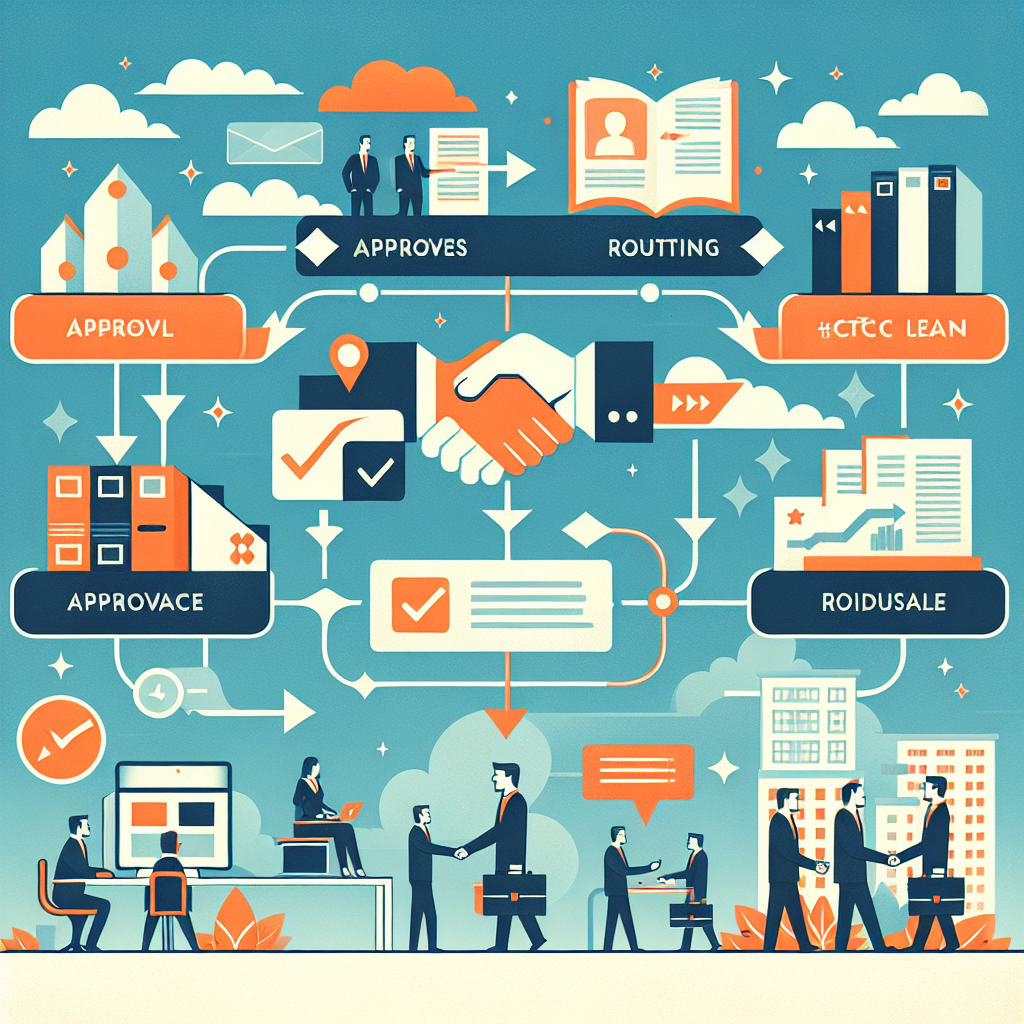
Workflow automation is the use of rules, roles, and routing to move documents and tasks through reviews, approvals, and publishing—capturing who did what, when, and why, with a controlled version history.
Why it matters
It reduces cycle time, eliminates rework, strengthens compliance evidence, and gives leaders real visibility into bottlenecks—without relying on tribal knowledge.
How it helps in practice
Teams create or ingest a document once, route it with the right permissions, capture approvals with audit trails, and publish a single trusted version—every time.
Why this matters today (AI search, compliance, scale, buyer expectations)
Workflow automation is no longer a “nice-to-have.” In India’s fast-moving enterprise environment, businesses face a combination of regulatory pressure, rising customer expectations, remote/hybrid collaboration, and scale challenges across multi-location operations.
What buyers expect from modern workflow automation tools
Buyers increasingly expect secure, searchable, audit-ready processes that integrate documents, approvals, and records retention. They also expect information to be discoverable through AI-assisted search—meaning content must be structured, governed, and consistently labeled so it can be found and trusted.
A key shift: AI search and AI assistants amplify both the value and the risk of your content operations. If your organization’s documents are scattered, misclassified, or accessible to the wrong people, AI-driven discovery can surface the wrong version—or expose sensitive information. If your content is controlled with metadata, permissions, and lifecycle rules, AI can help users find the right answer faster while staying compliant.
Key challenges businesses face with workflow automation
1) Approval chaos and long cycle times
Approvals get stuck in email threads, approvers lack context, and there’s no single place to view status—causing days of delay and constant follow-ups.
2) Document version confusion
Multiple versions circulate, teams edit offline, and final outputs are unclear—leading to rework, wrong submissions, and inconsistent customer communication.
3) Compliance evidence is painful
During audits, teams scramble to prove approvals, retrieve historical versions, or show who accessed what. Evidence is scattered across mailboxes and folders.
4) Security gaps from ungoverned sharing
Shared links, forwarded attachments, and “everyone” access create leakage risk. Sensitive files may be downloaded without controls or retention rules.
5) No operational visibility
Leaders can’t see where work slows down, which teams are overloaded, or why SLAs are missed—because status is not standardized or measurable.
6) Scaling breaks manual processes
What worked for one office fails across regions, business units, partners, and vendors. Manual follow-ups multiply while governance weakens.
Risks of doing nothing
- Higher compliance exposure due to missing audit trails, unclear approvals, and weak retention controls.
- Brand and customer risk from outdated documents, wrong pricing, incorrect contractual clauses, or inconsistent policies.
- Operational drag: teams spend time on “document chasing” instead of revenue-generating or mission-critical work.
- Security incidents and data leakage from uncontrolled downloads and oversharing.
- AI search risk: if content is unstructured, the “most accessible” version becomes the “most used” version—even if it’s wrong.
Deep-dive: how these problems affect real workflows
Many organizations try to “automate” a process by adding a form, an email trigger, or a chat message. That helps a little—but the real bottleneck is the document itself: the file that changes versions, needs approvals, must be stored securely, and must remain retrievable for years.
Example: Purchase request to purchase order
A purchase request includes vendor quotes, justifications, budgets, and approvals. If the quote is updated mid-way, teams must ensure the approved version matches what procurement executes. Without version control and audit trails, approvals become meaningless and disputes become likely.
Buyer takeaway: document versioning + approval logs are essential, not optional.
Example: HR onboarding and policy acknowledgements
Onboarding relies on policy documents, signed forms, and identity proofs. If employees sign an outdated policy, you create compliance gaps and HR disputes. If documents are stored on desktops, retrieval during audits becomes slow and unreliable.
Buyer takeaway: controlled publishing and retention reduce risk across the employee lifecycle.
Example: SOP updates in manufacturing or pharma
SOP changes require review, change control, training updates, and verified distribution. A “simple” file update can have major downstream impact. The workflow must guarantee that only approved versions are accessible on the shop floor.
Buyer takeaway: governance + traceability are foundational to regulated operations.
Solution approach: structured document management + workflow automation
To scale safely, workflow automation should be anchored in an enterprise document management approach: one system of record for documents, clear metadata, role-based permissions, version control, and workflow states that mirror how the business operates.
What is enterprise document management?
Enterprise document management is a controlled way to create, store, secure, search, approve, and retain business documents across departments. It ensures a single source of truth, supported by permissions, audit trails, and lifecycle governance.
ShareDocs-style workflow automation typically emphasizes:
document lifecycle management (draft → review → approve → publish → archive),
compliance document management (audit trails, retention, access logs),
and document security (role-based access, controlled sharing).
This is what turns automation into a repeatable enterprise capability rather than a set of disconnected flows.
Feature breakdown (what to evaluate in workflow automation tools)
Role-based access & security
Ensure only the right people can view, edit, approve, download, or share. Look for granular permissions by folder, document type, and workflow stage.
Version control & change history
The system should preserve prior versions, track changes, and allow rollbacks. Approvals must be tied to a specific version to prevent “approval drift.”
Configurable workflows
Support multi-step approvals, parallel reviewers, conditional routing, SLA reminders, escalations, and delegation—without heavy coding.
Audit trails & compliance reporting
Capture timestamps, user actions, approvals, comments, and access logs. Reporting should be exportable for audits and internal governance.
Metadata & searchability
Tags like department, project, vendor, policy type, effective date, and owner make documents findable and support AI search readiness.
Retention & lifecycle governance
Automate archiving and retention schedules. Reduce legal and compliance risk by defining how long records are kept and when they’re disposed.
Practical evaluation tip
Ask vendors to demo a real business scenario (e.g., “vendor onboarding” or “policy approval”) end-to-end: ingestion, metadata, routing, approvals, audit logs, final publishing, and retrieval six months later. This reveals whether automation is truly enterprise-grade.
Comparison: generic automation vs document-centric workflow automation
Generic task automation (common limitations)
Tasks move, but documents remain scattered across email, drives, and desktops.
Approvals may not be tied to a specific document version.
Audit evidence requires manual reconstruction across systems.
Search is weak because metadata and governance are inconsistent.
ShareDocs-style document-centric automation (buyer outcomes)
Documents live in a governed repository with role-based access and lifecycle rules.
Approvals are recorded with timestamps and linked to the correct version.
Audit trails and reports are available on demand.
Search improves through metadata standards, consistent naming, and controlled publishing.
Industry use cases (realistic scenarios)
Banking & financial services
Automate policy updates, branch communications, customer documentation checklists, and internal approvals—while keeping audit logs for regulatory readiness and reducing miscommunication across locations.
Typical workflow: Draft policy → compliance review → legal approval → publish to controlled access → archive previous version.
Manufacturing & engineering
Manage vendor documents, quality certificates, CAPA files, SOPs, and equipment manuals. Ensure teams can access only the latest approved version and track changes across plants.
Typical workflow: Upload certificate → QA review → approvals → link to vendor record → retention as per policy.
Pharma & healthcare
Standardize document control for SOPs, batch records, training documents, and controlled forms. Ensure audit trails and role-based visibility for sensitive records.
Typical workflow: Change request → review → controlled distribution → supersede old version → retain for audit.
IT & shared services
Automate internal approvals for access requests, vendor onboarding documentation, contract storage, and knowledge base publishing with controlled updates and clear ownership.
Typical workflow: Request → attach evidence → approvals → publish/execute → record for audit.
Legal & contract operations
Reduce contract turnaround time by standardizing clause libraries, routing reviews, tracking changes, and storing executed versions with metadata for fast retrieval.
Typical workflow: Draft → internal review → counterparty edits → approval → execute → archive with retention.
Education & large institutions
Control circulars, policies, accreditations, and administrative approvals. Ensure stakeholders access the right documents without uncontrolled forwarding.
Typical workflow: Draft notice → approvals → publish → archive + searchable history.
Implementation perspective (what successful rollouts do differently)
A workflow automation rollout succeeds when it aligns people, process, and governance—not just software settings. The strongest implementations start with high-impact workflows and expand through reusable templates.
Step 1: Pick 2–3 critical workflows
Choose processes with high volume or high risk: policy approvals, procurement documentation, vendor onboarding, SOP control, or contract reviews.
Step 2: Define metadata standards
Decide how documents will be labeled (department, owner, effective date, category, project/vendor). Search and reporting depend on this.
Step 3: Lock permissions early
Implement role-based access, separation of duties, and publishing controls. Treat it as a security program, not an IT checkbox.
Step 4: Build templates and reusable flows
Use standardized approval patterns (single approver, sequential, parallel, escalations). This reduces build time and drives adoption.
Step 5: Train for “how work happens”
Focus training on daily tasks: how to submit, review, comment, approve, publish, and retrieve. Adoption grows when the tool saves time immediately.
Step 6: Measure outcomes
Track cycle time, rework rate, overdue approvals, audit retrieval time, and usage of published vs draft documents. Use metrics to refine routing.
Business impact and ROI (what you can quantify)
Workflow automation ROI is often underestimated because benefits appear across multiple teams. A document-centric system creates measurable gains in speed, quality, and risk reduction.
Cycle time reduction
Fewer follow-ups and clearer routing can reduce approval times from days to hours for common document flows.
Lower rework and fewer errors
Version control and controlled publishing reduce mistakes caused by outdated or unapproved documents.
Audit readiness
Audit trails and fast retrieval reduce time spent gathering evidence and lower the stress of inspections.
Risk reduction
Controlled access, retention, and logs reduce leakage risk and help enforce governance policies consistently.
A simple ROI method: estimate monthly approvals × average minutes saved per approval × loaded hourly cost, then add risk avoidance value (audit hours saved, reduced disputes, fewer policy breaches).
Future-readiness: AI angle for enterprise content operations
AI can only be as reliable as the content it’s allowed to access. Organizations that treat document management as an operational system—not just storage—become ready for AI-assisted search, summarization, and knowledge discovery without compromising governance.
AI search works better with metadata
When documents have consistent tags (owner, effective date, category, status), AI and enterprise search can filter to “approved only” and “latest version,” improving accuracy.
Governance reduces AI risk
Permissions, controlled publishing, and audit logs help prevent accidental exposure and keep sensitive content restricted, even when discovery tools improve.
Cleaner workflows produce cleaner knowledge
If each process ends with a clearly labeled “final approved” artifact, teams build a trusted knowledge base that scales across locations and new hires.
In short: AI-enabled content operations are not a separate initiative. They are the natural outcome of disciplined document control and workflow automation done right.
FAQ: workflow automation tools in India
1) Which is the best workflow automation tool in India for document approvals?
The best option is one that combines approvals with enterprise document management: version control, role-based security, audit trails, metadata search, and controlled publishing—so approvals remain valid and traceable.
2) What should I look for in compliance document management?
Look for audit logs (who/what/when), retention policies, access controls, version history, and the ability to retrieve records quickly by metadata like effective date, department, and document type.
3) How does document security work in an enterprise DMS?
Document security typically includes role-based permissions, restricted downloads, controlled sharing, access logs, and governance rules that limit who can publish final versions or view sensitive categories.
4) Can workflow automation reduce audit time?
Yes. When approvals, versions, and access are recorded automatically, audit evidence can be produced quickly with reports and structured retrieval instead of manual email and folder searches.
5) How do I start implementing workflow automation across departments?
Start with 2–3 high-impact workflows, define metadata and permissions, standardize approval templates, train users on daily actions, and measure cycle time and compliance outcomes before expanding.
Next step
If you’re evaluating workflow automation tools in India, prioritize solutions that treat documents as governed business records—because approvals without document control create speed without certainty. A structured system strengthens security, compliance, and execution quality as you scale.
Ready to standardize approvals, secure documents, and speed up operations?
Explore ShareDocs document management and workflow automation for enterprise teams—built for audit trails, version control, and scalable governance.
Use the links below to learn more or contact the team.
Visit ShareDocs
Tip: Ask for a workflow demo using your real approval process.
Note: Product capabilities and configurations may vary by deployment and business requirements. Always validate security, compliance, and workflow needs through a scoped demo and pilot.

Comments
Post a Comment